
Introducing Template Kits: the easier, faster and fully flexible way to create complete WordPress websites with Elementor.

Envato Template Kits have become one of the fastest and most efficient ways to build a consistent, professional-looking WordPress website with Elementor. Unlike individual templates, a Template Kit is a complete collection of coordinated pages and sections that together form a full website. This makes it incredibly easy to design an entire site without starting from scratch or worrying about visual consistency.
In this guide, you’ll learn exactly how to import Envato Template Kits into WordPress, how to use them inside Elementor, and how to customize them to perfectly match your brand.
Envato Template Kits are pre-built collections of Elementor templates designed to work together as a complete website. Each kit usually includes:
Homepage layouts
About, Contact, and Services templates
Header and footer designs
Blog and single post templates
Reusable sections and blocks
Because everything matches in style and structure, you can build an entire website in just a few clicks, then customize it freely with Elementor’s drag-and-drop editor.
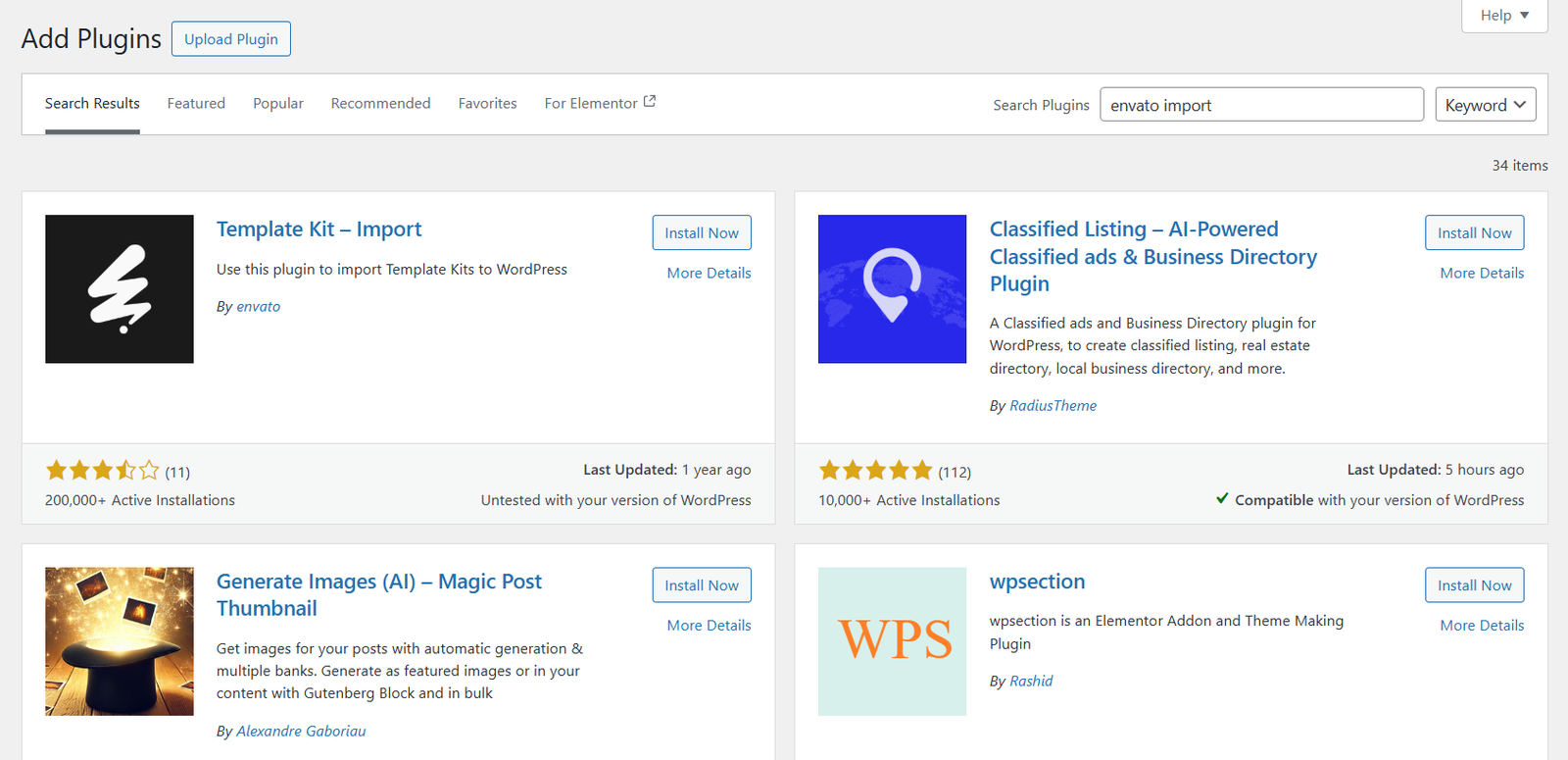
To use Template Kits, you first need the official Envato importer plugin.
Go to Plugins > Add New in your WordPress dashboard.
Search for Envato Import (The plugin will be called Template Kit – Import but searching this directly in the plugin tab doesn’t always work)
Click Install, then Activate.
The Envato Importer will now appear in your Tools menu.
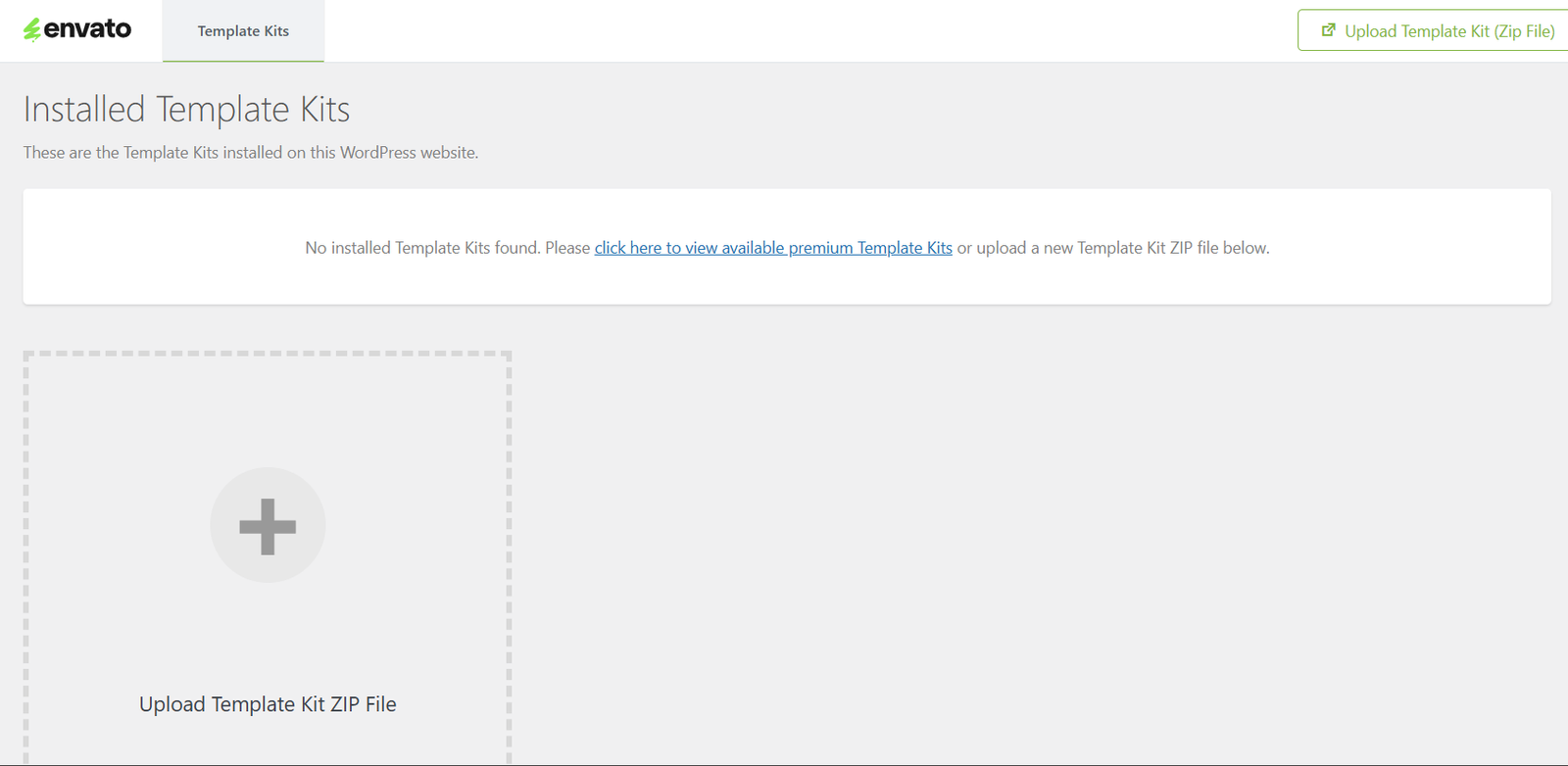
After purchasing or downloading a Template Kit from Envato Elements, you receive a .zip file. This file contains all the templates included in the kit.
To import it:
Go to Tools > Template Kit in WordPress.
Click Upload Template Kit ZIP File.
Select the .zip file from your computer.
Once uploaded, you’ll see a full list of all pages, sections, pop-ups, and layout parts included in the kit.
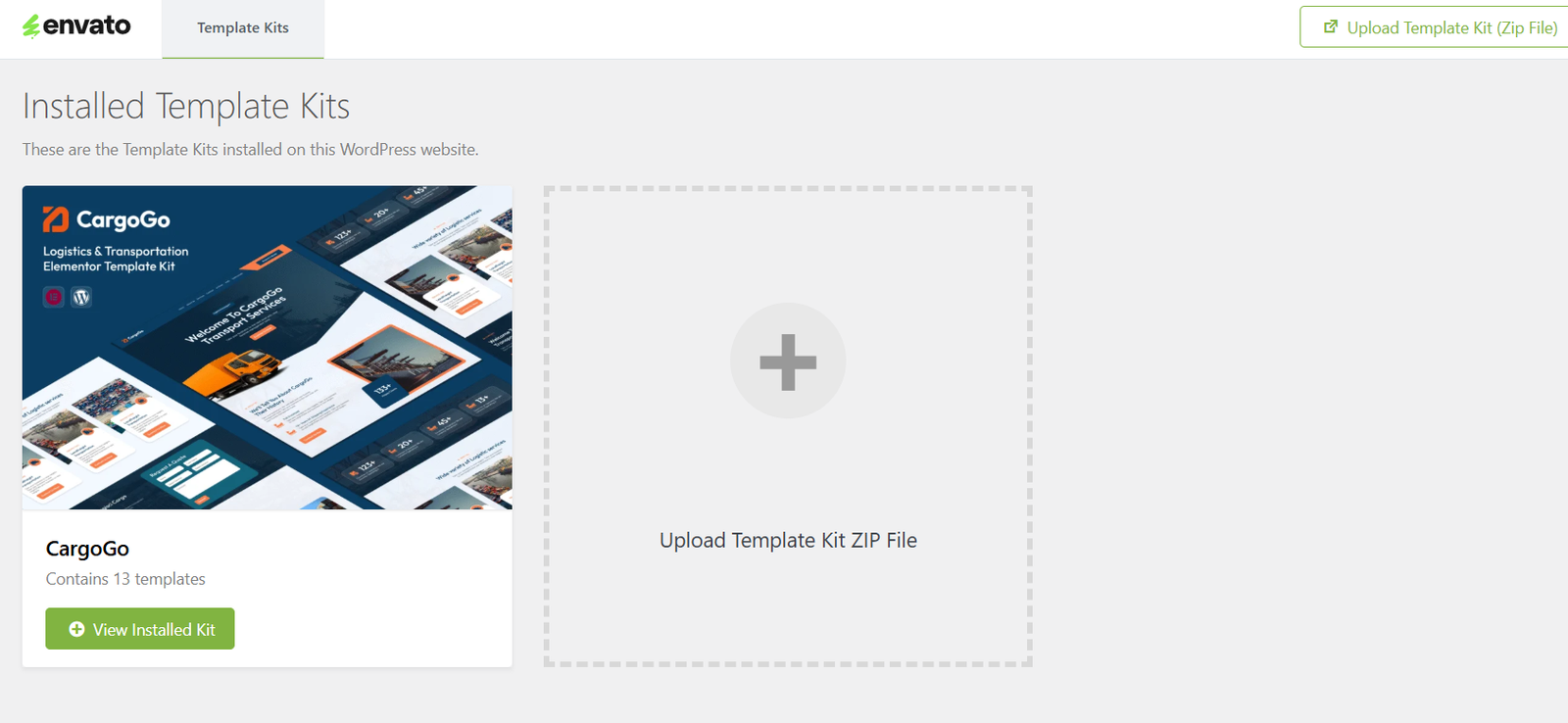
After installing the kit, you can start adding the templates to your pages.
Open a page in Edit with Elementor.
In the Elementor editor, you’ll see a green leaf-shaped Envato Elements icon.
Click it to open your Template Kit items.
Choose a page or section and click Insert.
The template loads instantly into your page, ready to customize.
Once a template is inserted, you can edit every element:
Edit text & images
Click any element to change the content, replace images, or edit buttons.
Adjust colors & branding
Use the Style tab to update colors, typography, backgrounds, and overlays.
Modify layout & spacing
Select a section to adjust width, padding, columns, and structure.
Add additional Elementor widgets
Drag any widget from the left sidebar into the template—everything remains fully editable.
With Envato Template Kits, you get complete creative freedom on top of a ready-made design foundation.